Below are examples of Ghost’s expansive editing toolset designed to accommodate the extensive needs of modern creators.
Headings
Header tags are what keep your content away from absolute chaos in terms of visual organization. They help your readers understand your writing, they help search engines determine your content.
Heading 1
Heading 2
Heading 3
Heading 4
Heading 5
Heading 6
Quotes
You can make quotes stand out with two types of blockquote styles that can be applied directly in the editor.
Dear lord, what a sad little life, Jane. You ruined my night completely so you could have the money, but I hope now you spend it on getting some lessons in grace and decorum, because you have all the grace of a reversing dump truck without any tyres on.
And a second style that you can use for larger quotes:
So Jane, take your money and get off my property.
Lists
Unordered list
- Item number one
- Item number two
- A nested item
- A nested item
- A final item
Ordered list
- Item number one
- Item number two
- A nested item
- A nested item
- A final item
Tables
A responsive table will display a horizontal scroll bar if the screen is too small to display the full content.
| # | Heading | Heading | Heading | Heading | Heading | Heading |
|---|---|---|---|---|---|---|
| 1 | Cell | Cell | Cell | Cell | Cell | Cell |
| 2 | Cell | Cell | Cell | Cell | Cell | Cell |
| 3 | Cell | Cell | Cell | Cell | Cell | Cell |
Images
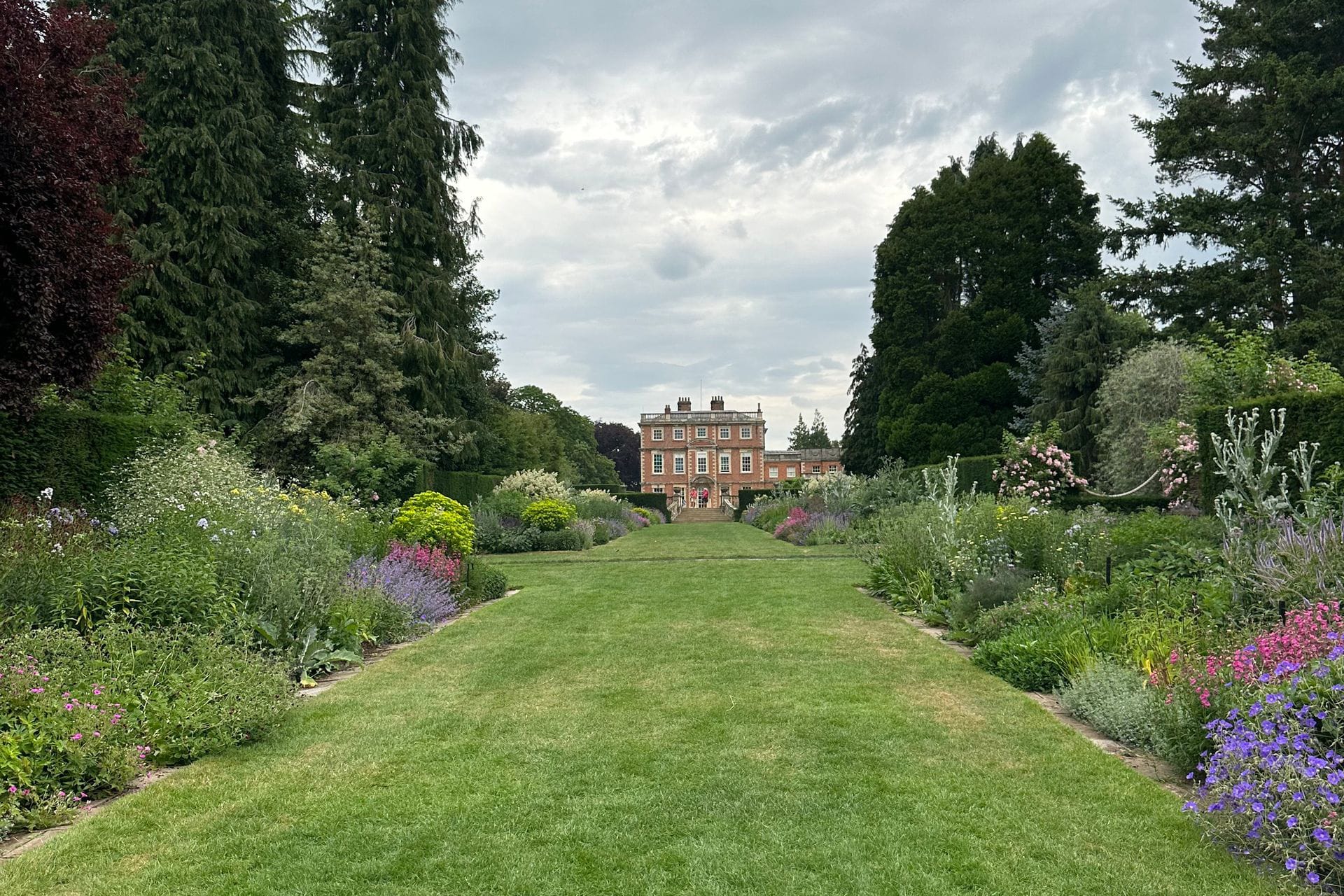
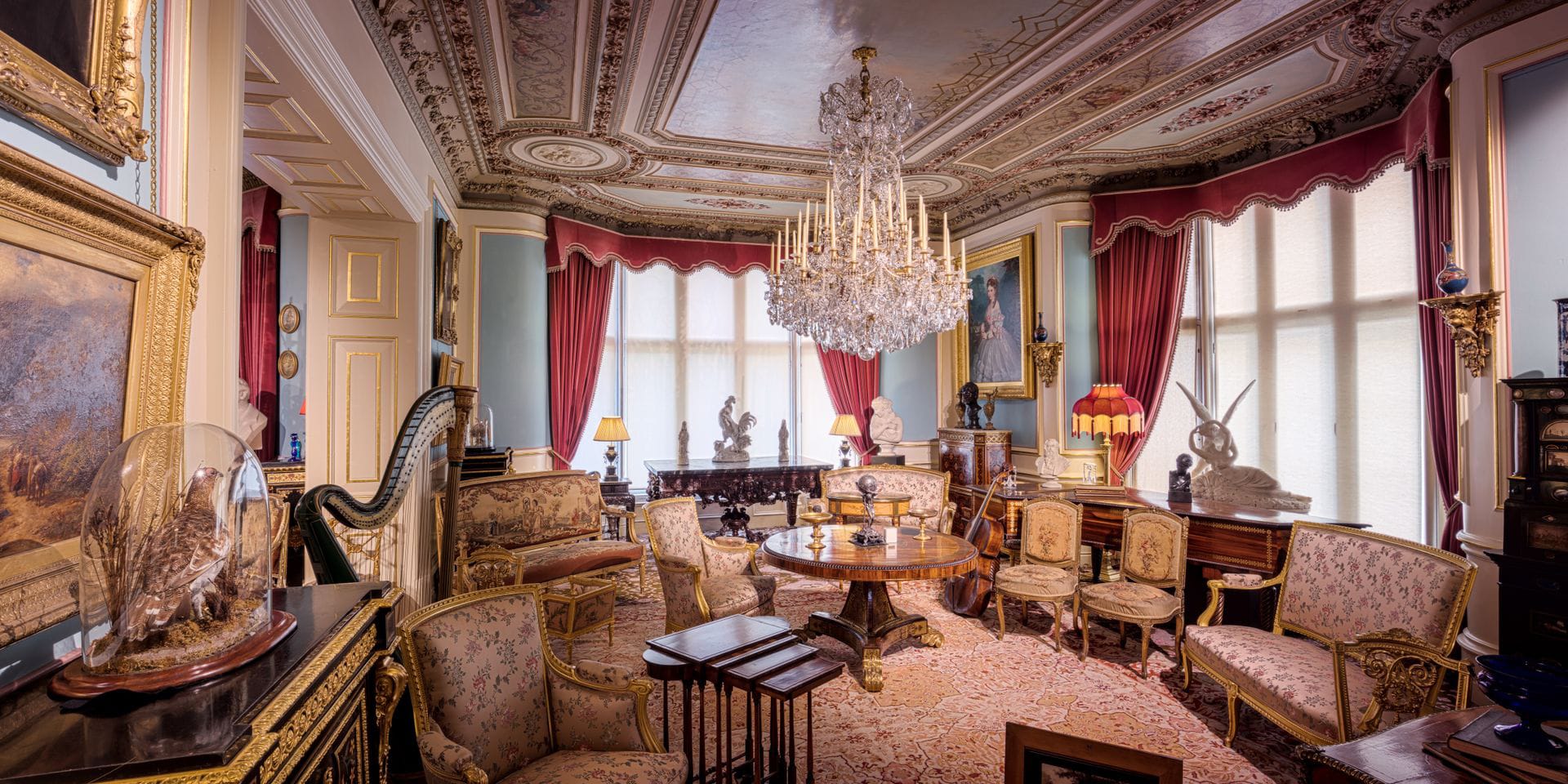
Once you start mixing text and image cards creatively, the whole narrative of the story changes. Suddenly, you're working in a new format. Once inserted you can blend images beautifully into your content at different sizes (Regular, Full, and Wide) and add captions wherever needed.

Gallery
Ghost supports image galleries for up to nine images at a time, all of which are responsively optimised and organised to look their best no matter how many images you add or remove.
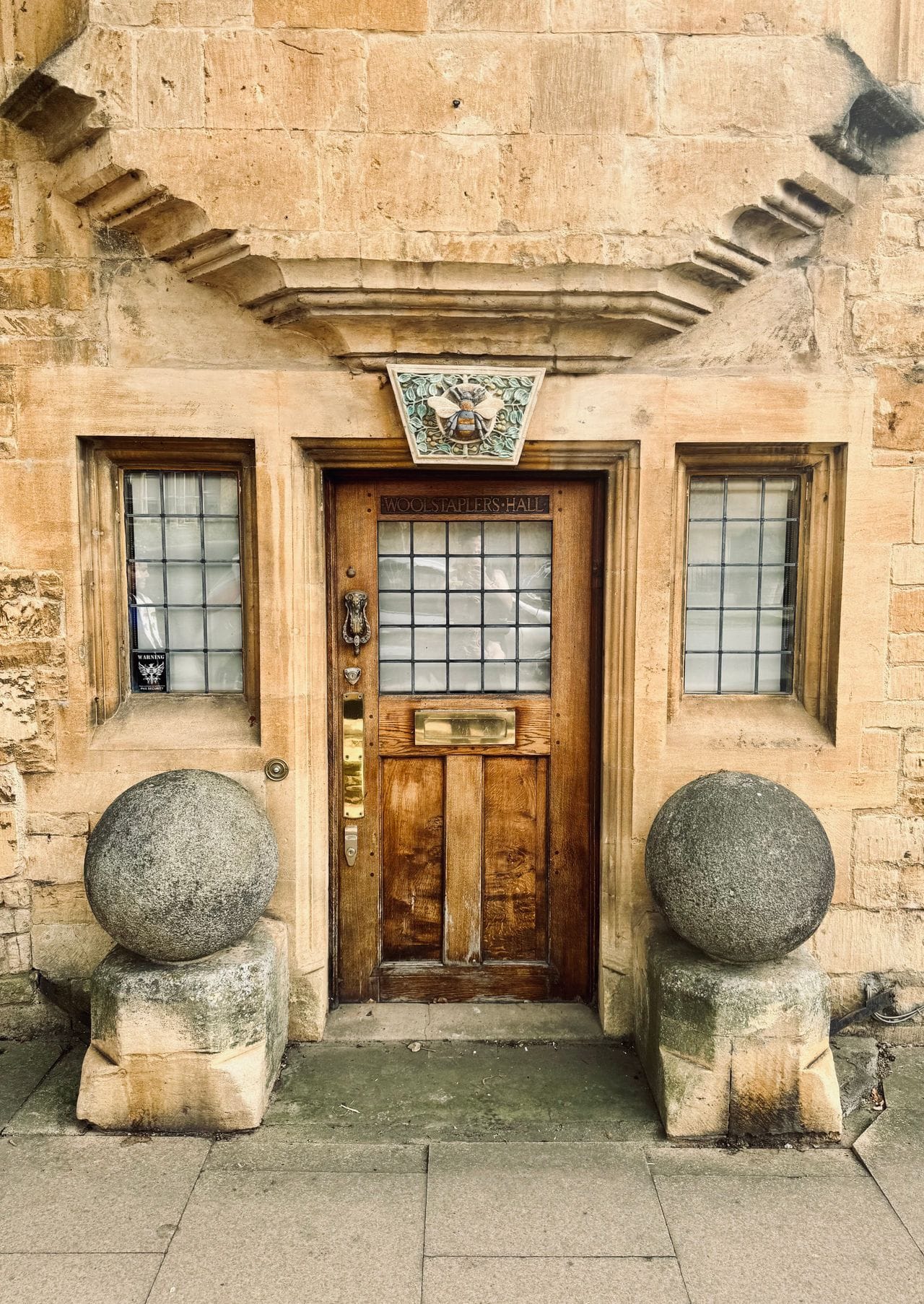
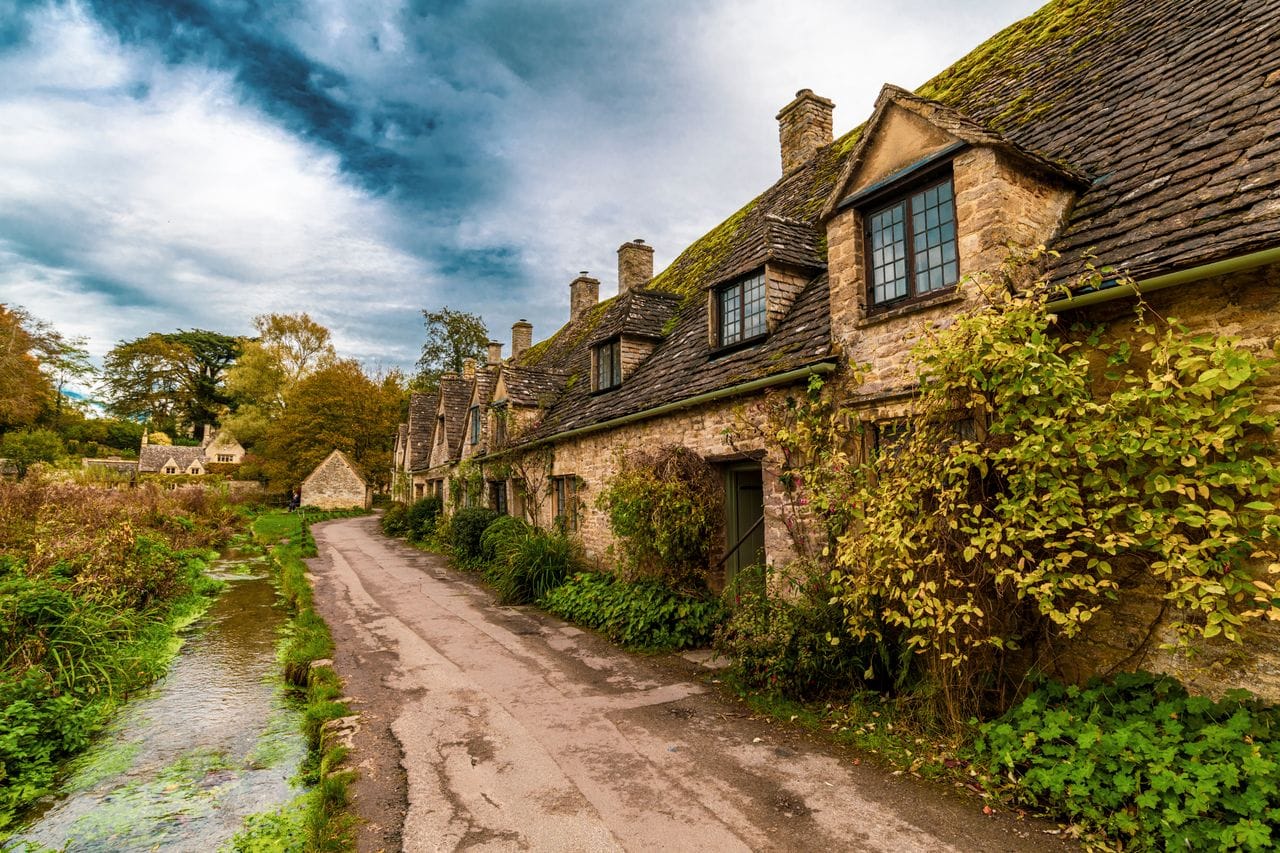
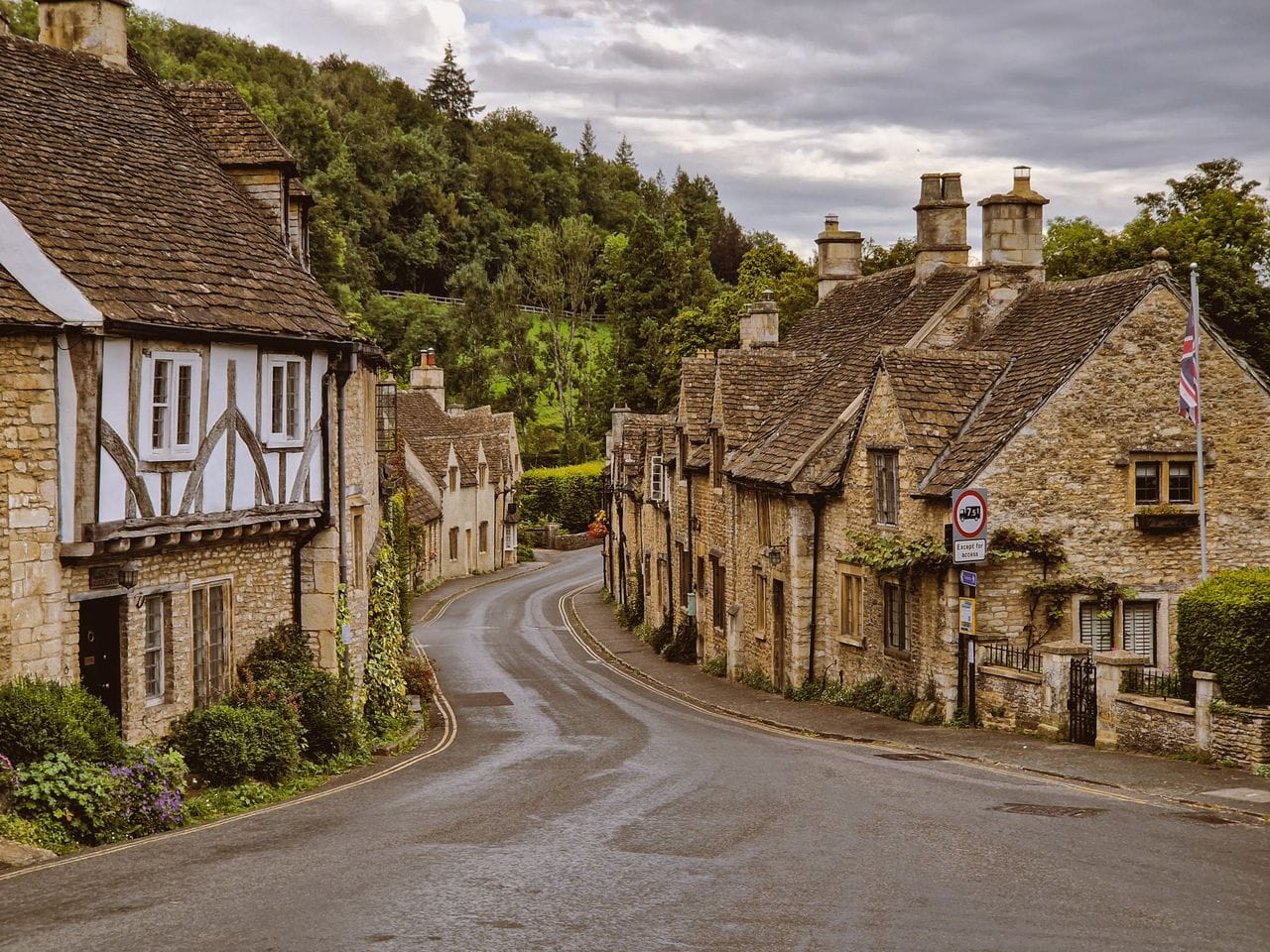
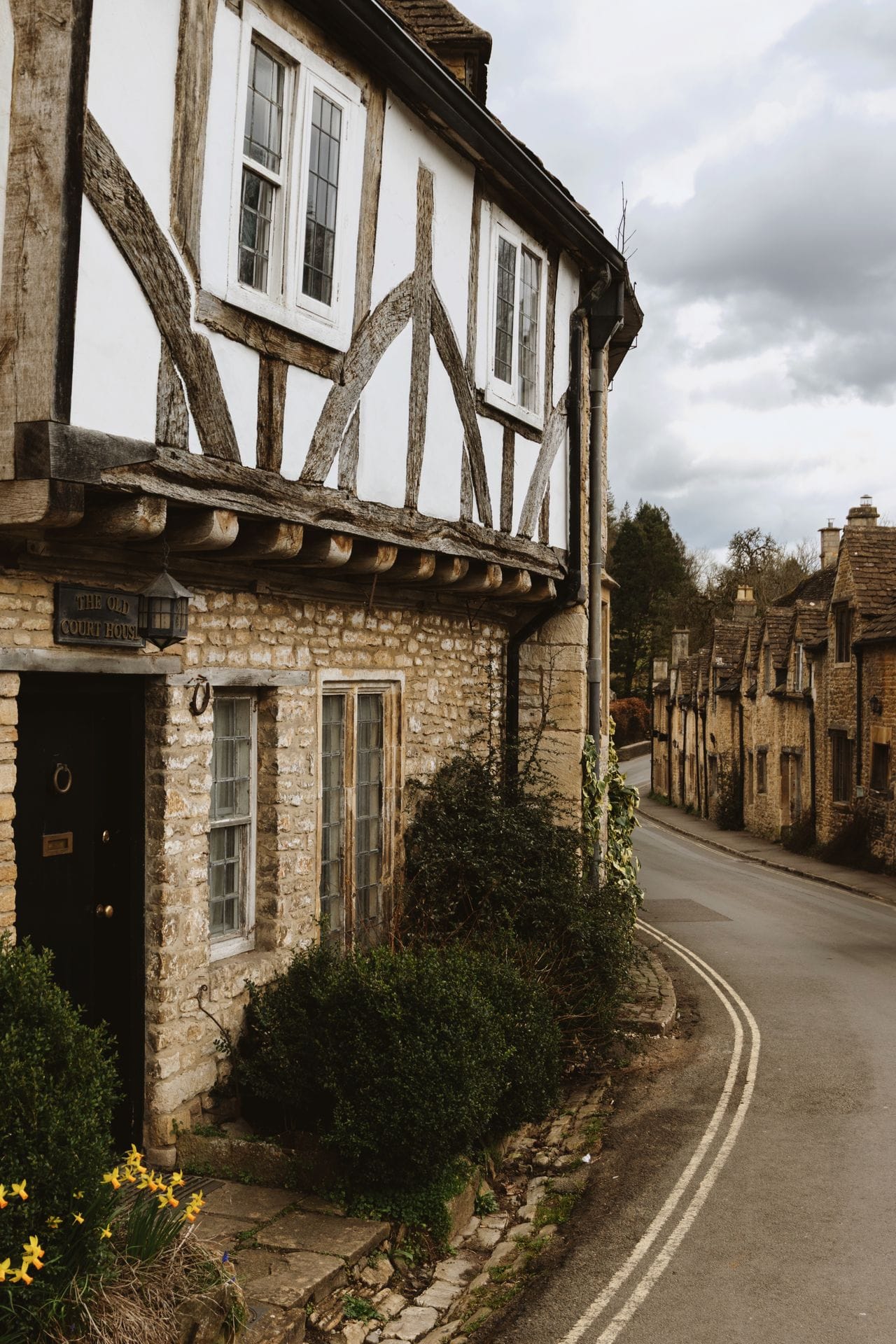
Image Gallery
Buttons
Add call-to-action buttons to your posts using button cards. Buttons can be centered or left-aligned, including custom button text and a link to any URL.
Bookmarks
When using a URL with the right meta information, it can show the page title, excerpt, author, publisher and even a preview image. This is a great way to share links from sites that don't have automatic embeds.


Call to action
The Call to action card helps you promote a specific message to the right audience—whether that’s public visitors, free members, or paid members. You can choose to show it in your newsletter, on your website, or both.

Mews - A Ghost Theme
Featured post layouts and tag‑based snippet grids give your homepage editorial weight, while a built‑in table of contents keeps long-form pieces easy to navigate.
Callouts
Ever find yourself wanting to add extra styling to important information in your posts? Well, now you can with callout cards. Each callout card can include an emoji, any length of text with styles and links, and a custom background color.
Signup
The Signup card allows you to insert a custom signup form, directly within the content you create, without needing to code or leave the editor.
Header
Insert a header card to create visual section dividers, that can support multiple layouts, custom images, headings, subheadings, text and calls to action:

Sign up for the latest updates and exclusive insights
Mews: A modern magazine theme for storytellers, creators and the curious.
Subscribe
Sign up for the latest updates and exclusive insights
Mews: A modern magazine theme for storytellers, creators and the curious.
Subscribe
Sign up for the latest updates and exclusive insights
Subscribe
Sign up for the latest updates and exclusive insights
Mews: A modern magazine theme for storytellers, creators and the curious.
SubscribeToggles
Toggle cards allow you to create collapsible sections of text that include a custom header, and content that is hidden until expanded.
What is a Toggle?
Toggle cards allow you to create collapsible sections of text that include a custom header, and content that is hidden until expanded.
What content can I put in a Toggle?
Toggles support bold, italicized, and hyperlinked text. To utilize the text formatting options, highlight any words or phrases within your toggle card, to set custom styles.
Video
Add video content directly to your posts with the video card to share bonus content, screen recordings, demos, or clips from a full-length feature.
Audio
It’s possible to upload audio files directly to your posts! This means you can share audio content with your audience, with a beautiful media player that nests into your posts and emails seamlessly. Music by Sonican at Pixabay
File
You can add downloadable files to your posts in Ghost. File uploads can be used to share multiple types of content with your audience. Files display in your content with a custom name and caption, like this:
Products
Display products beautifully with custom content including an image, description, button or rating, so you can add your favorite recommendations to any post.
Mews - A Ghost Theme
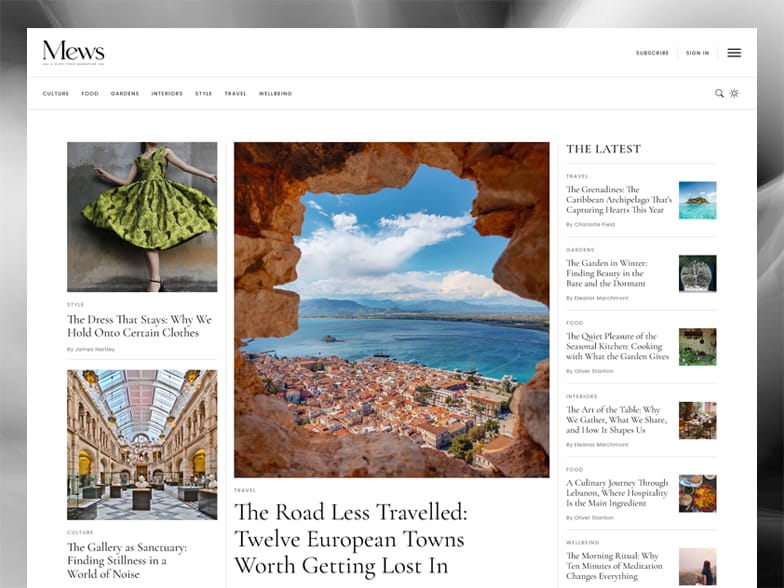
Mews brings a polished, magazine‑style reading experience to Ghost. Featured post layouts and tag‑based snippet grids give your homepage editorial weight, while a built‑in table of contents keeps long-form pieces easy to navigate.
GIF
GIFs add movement to your content, and keep readers engaged.
To insert a GIF in the editor, select the GIF card from the card menu, and use the search bar to find the perfect animation to add flare to your content.

Embeds
Many of the most popular tools for embedding rich media work directly with the Ghost editor — all you need to do is paste a URL to the content you're trying to embed directly into a new line of the editor — or you can use the embed options from the card menu.
YouTube Embed

Vimeo Embed
Spotify Embed
Soundcloud Embed
Public preview
Public previews give you the flexibility to grow your paid audience, by giving general site visitors and free members a preview of paid-only content.
Public previews can be placed anywhere, with no limits on how much content is included before or after the divider.
The foundation of a good pantry is the staples, the things you use most often. A bag of flour, a bag of sugar, a tin of salt, a bottle of oil, a jar of vinegar. A box of pasta, a bag of rice, a tin of tomatoes, a jar of stock. These are not exciting ingredients. But they are the ones that make everyday cooking possible.
I have learned to keep a well-stocked supply of staples. I do not let them run out. I buy them when I see them, when they are on offer, when I know I will need them. The staples are the foundation of the pantry. They are the things that I reach for most often, the things that I rely on.